Animation of Crank-Slider Mechanism Using SolidWorks
Objective: Construct a crank slider mechanism with the
following specifications:
Crank: 0.5”
Connecting Rod: 3”
Create
Crank Support
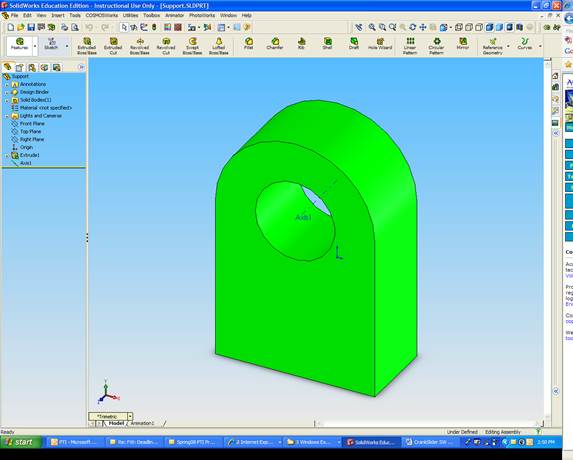
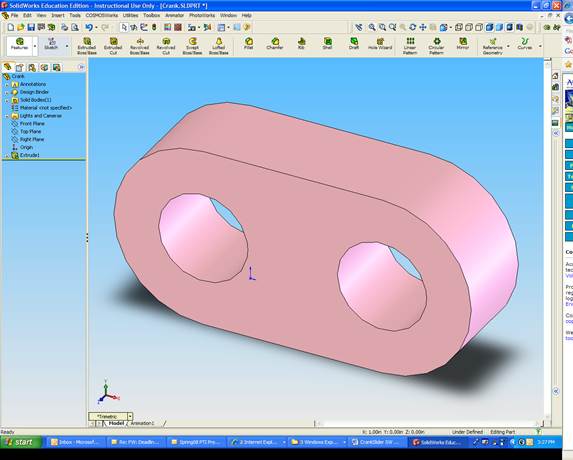
Create Crank
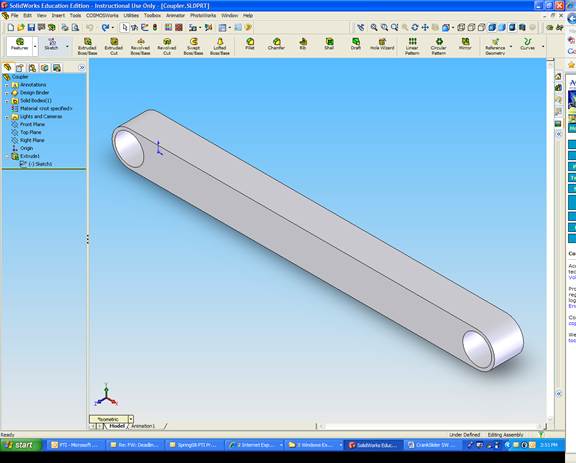
Create Connecting Rod
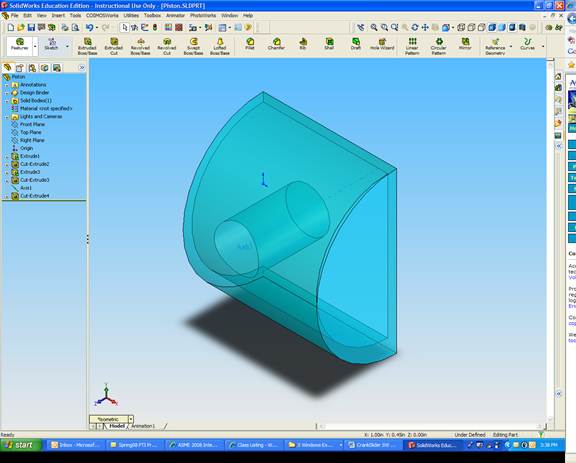
Create Piston (Half
the Piston and Cylinder are shown for clarity)
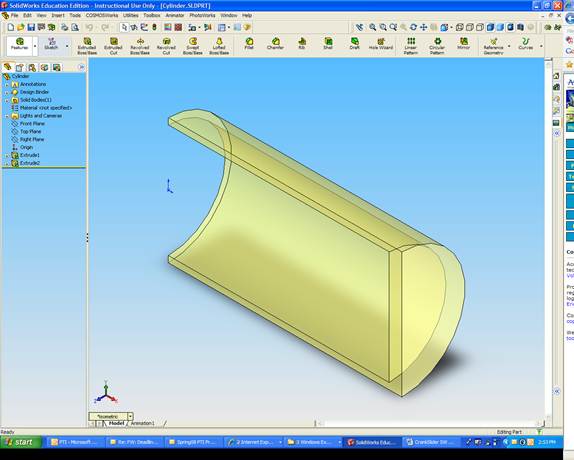
Create Cylinder
Assemble Mechanism
Fix Cylinder
Fix Support
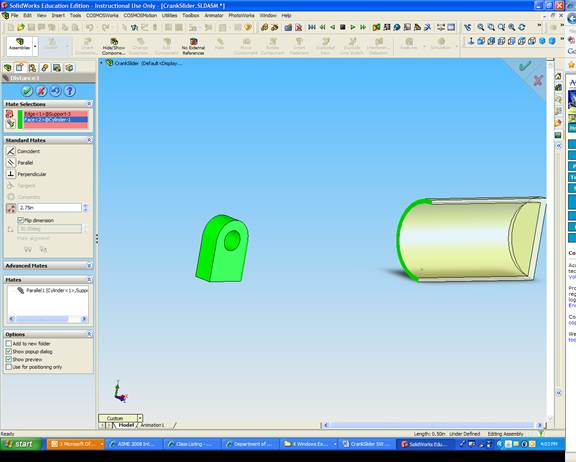
Match Piston and Cylinder faces
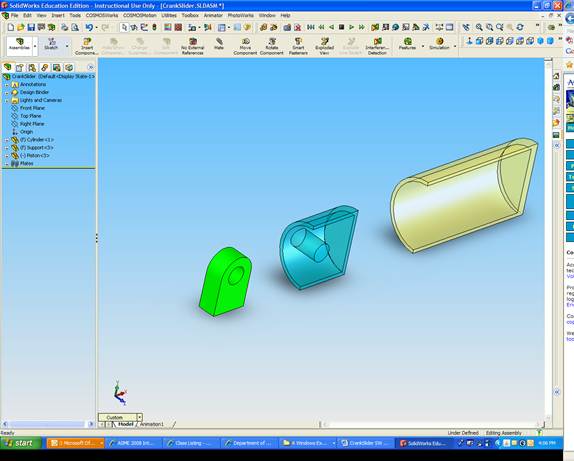
Match crank and support faces
Match holes on crank and support
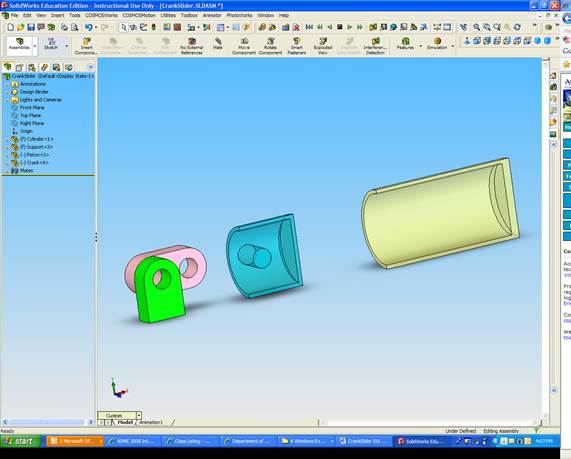
Match Crank and Connecting Rod faces
Match holes on Crank and Connecting Rod
Match piston pin and Connecting Rod hole
Center Connecting Rod within piston
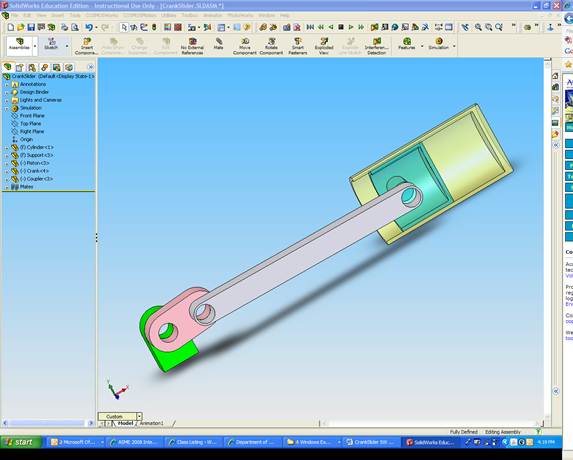
Click Tools, Add-Ins.
Select SolidWorks Motion, and click OK.
Select Simulation Tool
Pick Rotary Motor
Click on the front face of the crank
Select Numeric
Type 1 deg/s
Select Simulation
Tool
Pick rotary motor
Click on the front face of the crank
Select Numeric
Type 6 RPM
Adjust simulation time to 30 seconds
Click Calculate
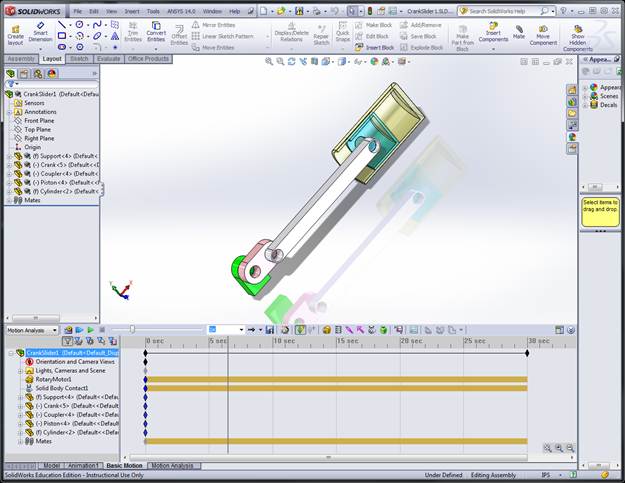
You can run the simulation again by clicking Play from Start
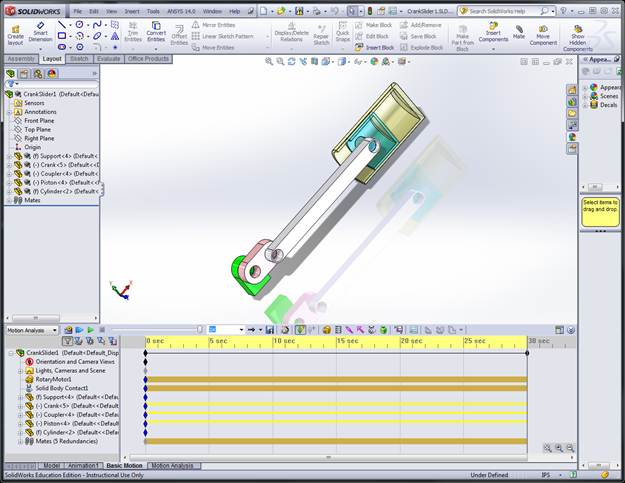
To output as AVI file, select Save Animation
The file will be
extremely large!
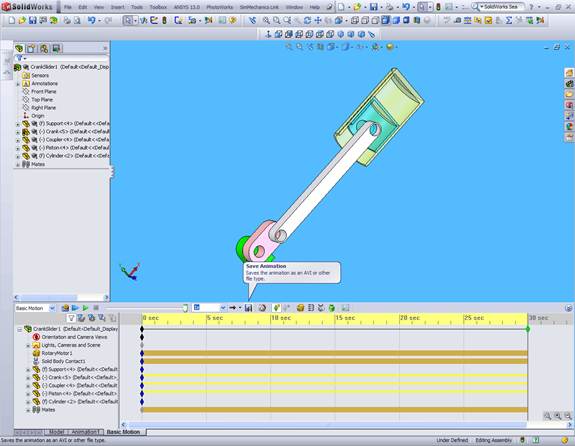
Click on Gravity Icon
Choose Y
Click OK
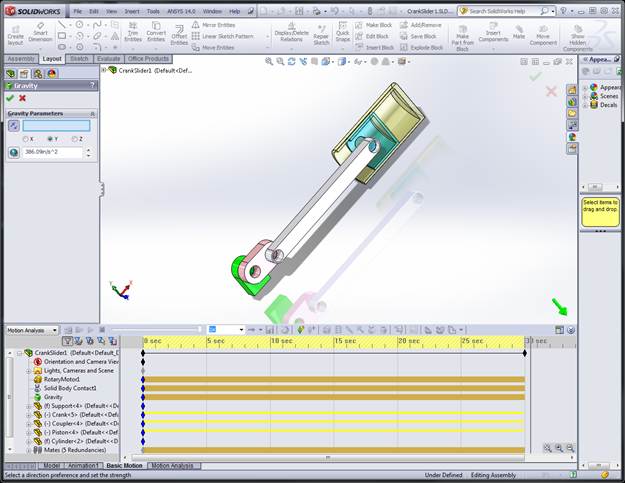
Click
Contact Icon
Selct
Piston and Cylinder
Use
Steel (Greasy) for Materials of both
Click
OK
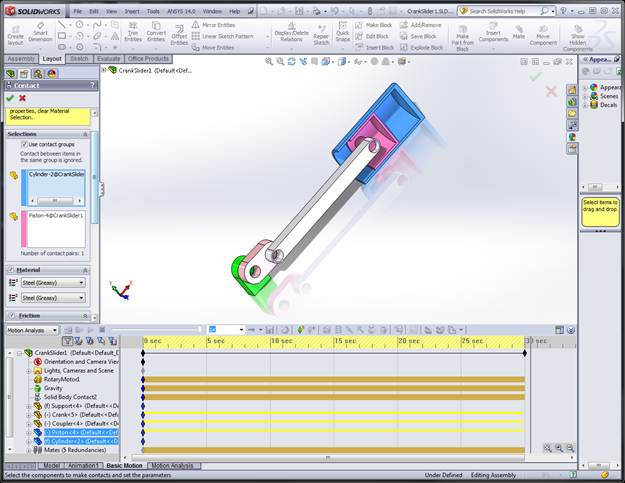
Click
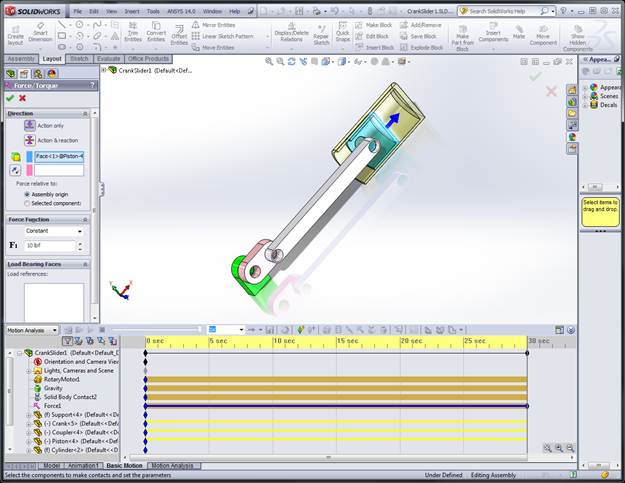
Force Icon
Add
10 lb Force to the piston to as shown
Click
OK
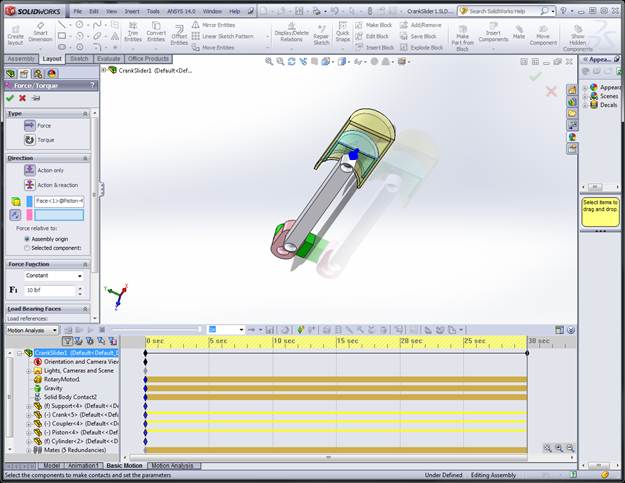
Click
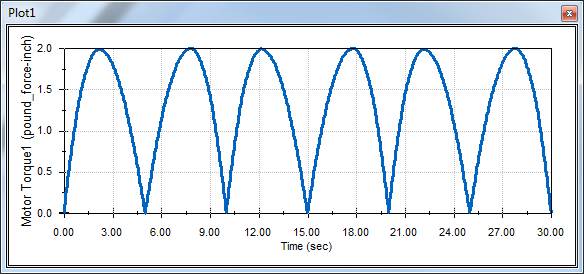
Results
Choose
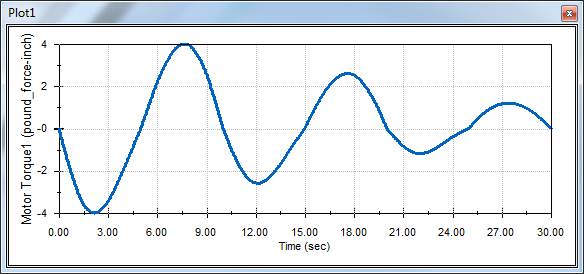
Motor Torque
Choose
Z Component
Choose
Rotary Motor
Switch
the Force Direction
Click
Calculate to recalculate the Motion Study
Right
Click Results
Choose
Show All Plots